If you’ve ever joined a Teams / Zoom call from a laptop and thought “why do I look like a blurry potato?” you’re not alone.
Most built-in laptop webcams are still stuck in the past, often with low resolution and poor image quality… I was comparing the best external webcams and then googled whether I could use my pixel and save myself the faff of carrying another bit of kit! (especially as I rarely pay for cabin baggage).
The camera in your pocket is probably better than most £100+ webcams!
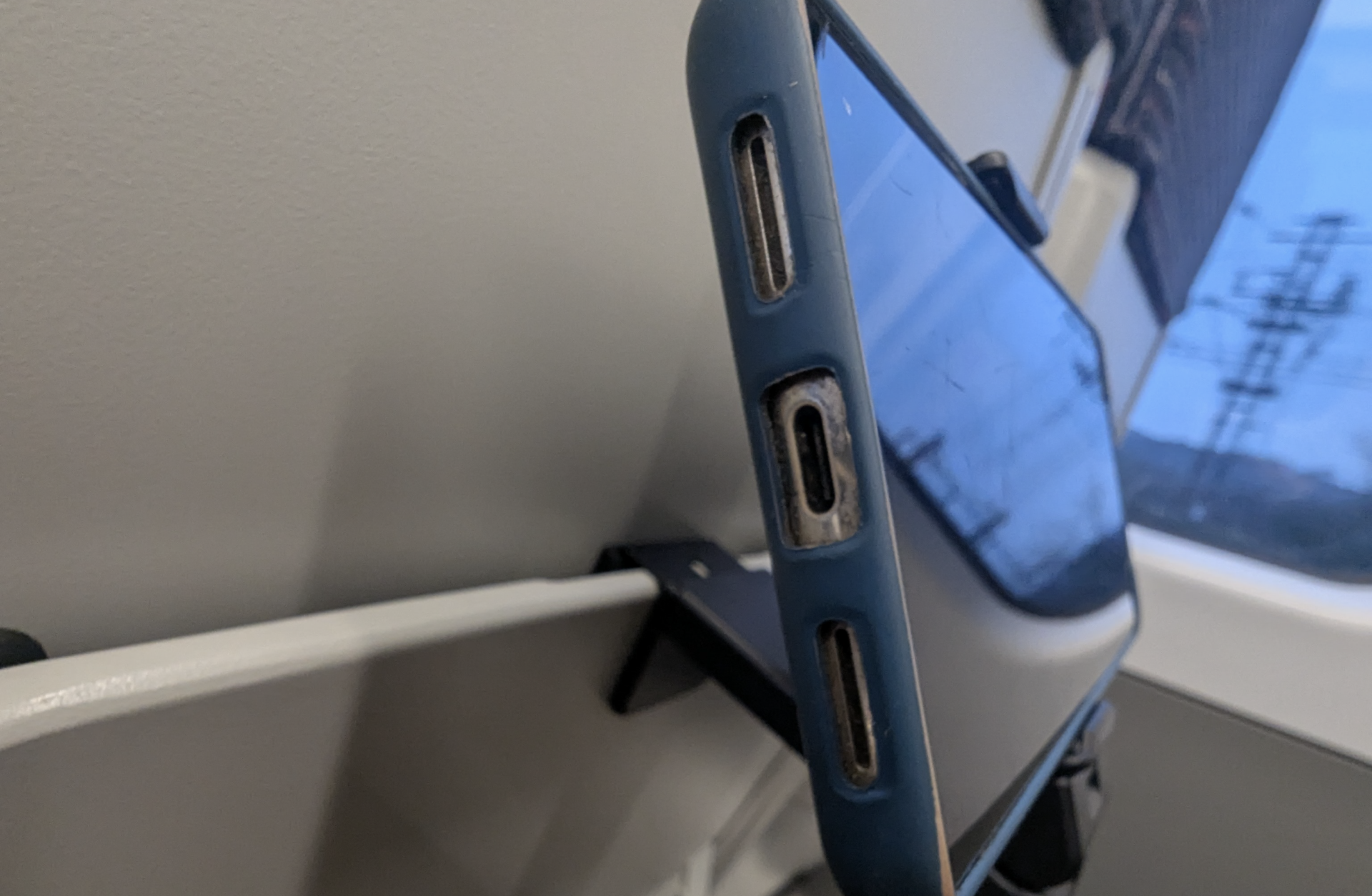
The good news is you can use your phone as a webcam, and it’s easier than I thought (I have a pixel 8 pro and a 2nd hand PC gaming laptop from 2022, and so it’d be great to hear how others get on!).
Why This Matters (Especially for Remote Work)
High-quality remote work setups without unnecessary cost matter.
Whether you’re:
- pitching investors
- interviewing for roles
- hosting workshops
- building your personal brand
your video quality matters.
And your phone is already your best camera!
Option 1: The Easiest Setup (Works on Mac & Windows)
The most universal method is using apps like Camo or DroidCam.
How it works:
- Install the app on your phone and laptop
- Connect via WiFi or USB
- Select the app as your camera in Zoom or Meet
That’s it. Your phone becomes your webcam.
These tools work across most platforms and support apps like Zoom, Google Meet, and OBS.
Tip: use a wired USB connection if you want maximum stability.
Option 2: If You Have a Mac and iPhone (Best Experience)
If you’re in the Apple ecosystem, this is extremely smooth.
Apple’s built-in Continuity Camera lets you use your iPhone as a webcam without installing anything extra.
Setup:
- Turn on WiFi and Bluetooth
- Make sure both devices use the same iCloud account
- Select your iPhone as the camera in your video app
That’s all it takes.
Bonus features:
- Portrait mode for background blur
- Center Stage for auto framing
- Studio Light for improved lighting
It’s essentially a free studio upgrade.
Option 3: Android (Pixel, Windows, and More)
Android devices now support this much more seamlessly.
Google Pixel (Pixel 6 and newer)
- Plug in via USB
- Switch USB mode to “Webcam”
- Select it in your video app
Done.
Windows 11 (Emerging Feature)
Microsoft is rolling out wireless webcam support:
- Connect your phone via Phone Link
- Enable camera sharing
- Start streaming wirelessly
Why This Beats Buying a Webcam
Most laptops still ship with 720p cameras due to thin screen designs.
Your phone, on the other hand:
- shoots in 1080p or 4K
- has better sensors
- performs better in low light
Instead of buying more gear, you’re unlocking what you already own.
5 Simple Ways to Look Better on Calls
- Use your rear camera for higher quality
- Position your phone at eye level
- Face a window or natural light source
- Keep your phone plugged in
- Stabilise it with a tripod, stand, or stack of books
The Nomadhut Take
This is exactly the kind of upgrade we value:
- zero cost
- high impact
- location independent
Whether you’re working from Tenerife, London, or another Nomadhut kitchen table, your setup should be simple, flexible, and effective.
Sometimes the best upgrade isn’t buying something new.
It’s using what you already have, properly.